
Integrating MS Teams with Kroolo
Enhance workflow efficiency by automating tasks, status updates, project tracking, and notifications.
Importable Entities
- Tasks & Task Updates
- Goals
- Custom automations
Integration Access Roles
Steps to Integrate Microsoft Teams with Kroolo
Log in to Kroolo
Choose MS Teams
Connect Your MS Teams Account
Select Notification Rules
Start Using MS Teams in Kroolo
For detailed guidance, visit our Help Center
Key Features of Microsoft Teams - Kroolo Integration
Tasks & Task Updates
Automatically create, update, and delete tasks in Kroolo triggered by actions in Microsoft Teams channels.
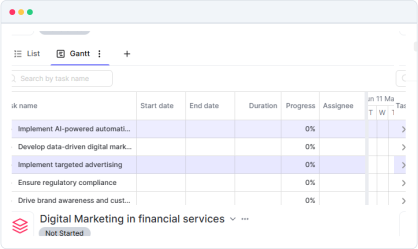
Project Creation & Management
Synchronise project creation, updates, and deletions between Teams and Kroolo for unified project tracking.
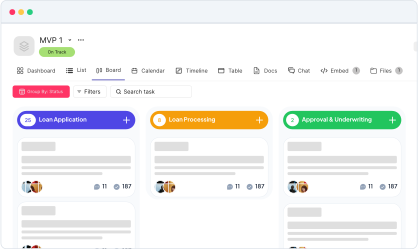
Goal Setting & Progress Updates
Create and update goals within Kroolo, receiving timely notifications in Microsoft Teams to keep everyone aligned.
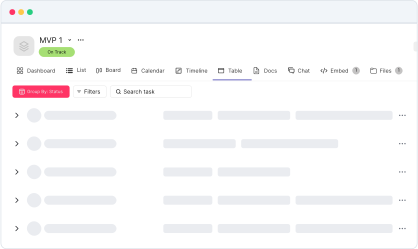
Custom Automation Notifications
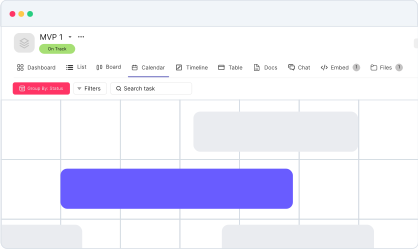
Configure personalised workflows that send notifications to Teams channels based on specific events or triggers in Kroolo.
Real-time Notifications
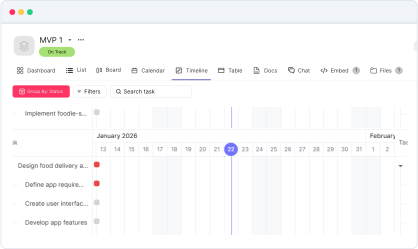
Receive instant alerts in Microsoft Teams for important activities, ensuring your team stays informed and proactive.

Start your integration now and bring your Microsoft Teams data into Kroolo for a more efficient project management experience!
You might be interested in

Hubspot
Automate and sync HubSpot’s CRM tools to optimize sales, marketing, and customer relations.

Todoist
Stay organized and focused by managing tasks, projects, and priorities with Todoist.

Gmail
Integrate Gmail with Kroolo to manage communication within your projects seamlessly.

ClickUp
Centralize tasks, projects, and workflows for seamless management and collaboration.
Get Kroolo, The best of
AI and Work Management
Start for Free. Upgrade anytime!