
Integrating Clockify into Kroolo - Time Track Cleverly
Kroolo, the smartest AI productivity engine, has now been backed up by Clockify integrations. This means that everyone may now track their time more effectively and increase their productivity by tenfold. Automated time sync, real-time updates, etc. is now more accurately accessible.
Importable Entities
- Automated time syn for tasks & projects
- Detailed time sheet for better analyzing the productivity of team
- Smooth integrations with Kroolo to avoid multi-steps integration processes
- Super-charge teams productivity with integrated dashboards
- Service level agreements (SLAs)
Integration Access Roles
Steps to Integrate Clockify with Kroolo
Log into Kroolo
Select Clockify
Connect Your Clockify Account
Access your Clockify Account
Sync and Start Using
Clockify is ready to Time Clock
For detailed guidance, visit our Help Center
Key Features of Clockify - Kroolo Integration
Automatic Time Sync
Seamlessly sync time entries from Clockify directly into your Kroolo tasks and projects, eliminating manual data entry and ensuring accurate time tracking.
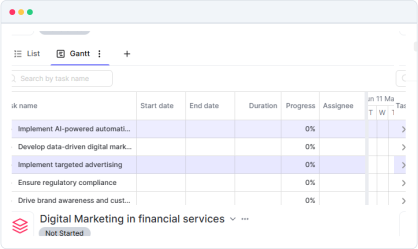
Task-Based Time Tracking
Start and stop timers directly from Kroolo tasks, automatically logging time in Clockify while keeping your workflow uninterrupted.
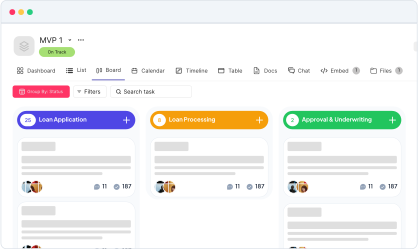
Project Time Analytics
Get comprehensive time reports that combine Kroolo's project data with Clockify's detailed time tracking insights for better project profitability analysis.
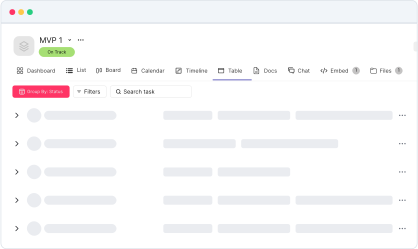
Team Productivity Insights
Monitor team performance with integrated dashboards showing time spent on tasks, projects, and goals across both platforms.
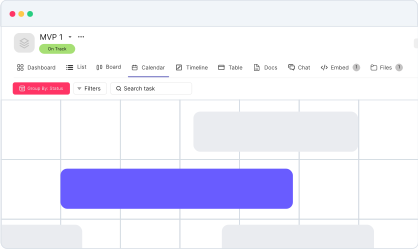
Real-Time Status Updates
Update task progress in Kroolo based on logged time in Clockify, keeping your project timelines accurate and up-to-date.
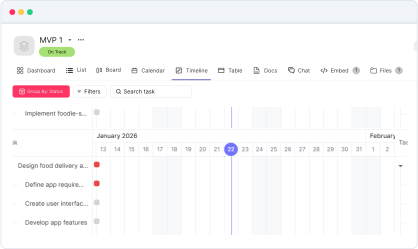
Time Entries
Time based entries are generated in Clockify when tasks are marked as complete in Kroolo, with smart categorization and project mapping.
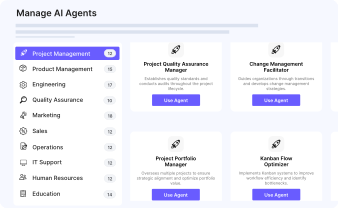
Budget Tracking Integration
Combine Kroolo's project budgets with Clockify's time tracking to monitor project costs and ensure you stay within budget constraints.
Custom Field Synchronization
Sync custom fields between platforms to maintain consistent project data and reporting across your time tracking and project management workflows.
Detailed Time Reports
Generate comprehensive reports that merge Kroolo's project insights with Clockify's time data for complete project visibility and client billing.
Start your integration now and bring your Clockify data into Kroolo for a more efficient project management experience!
You might be interested in

ClickUp
Centralize tasks, projects, and workflows for seamless management and collaboration.

Gmail
Integrate Gmail with Kroolo to manage communication within your projects seamlessly.

Airtable
Manage projects, assign tasks, and track progress to improve team collaboration & efficiency.

Trello
Organize tasks, collaborate with your team, and visually track projects using Trello boards.
Get Kroolo, The best of
AI and Work Management
Start for Free. Upgrade anytime!