
Google Calendar Integration
With Kroolo’s Google Calendar integration, you can seamlessly synchronize your calendar events and reminders into your Kroolo projects. Ensure that all your events, deadlines, and tasks are perfectly aligned with your Google Calendar, giving you a unified view of your work and personal schedules.
Importable Entities
- Import your calendar events and reminder with Kroolo
- View and manage tasks without missing deadlines
Integration Access Roles
Steps to Integrate Google Calendar with Kroolo
Login to Kroolo
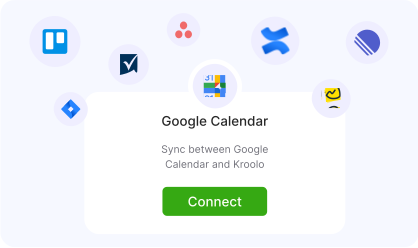
Select Google Calendar
Authenticate Google account
Choose calendar
Import Events
For detailed guidance, visit our Help Center
Key Features of Google Calendar - Kroolo Integration
Effortless Synchronization
Google Calendar events and reminders automatically sync with Kroolo.
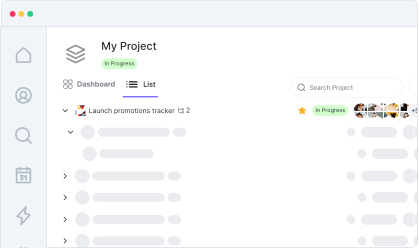
Centralized View
Access all your events and tasks from a single platform.
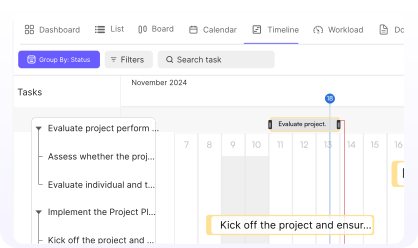
Real-Time Updates
Keep track of your schedule as your Google Calendar events are reflected in Kroolo instantly.
Easy Setup
Integrating Google Calendar into Kroolo is a quick and simple process.
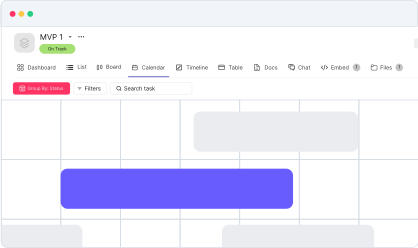
Increased Productivity
Import your calendar & manage your time and focus on what matters.
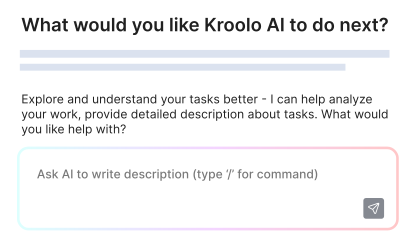
Start your integration now and bring your Google Calendar data into Kroolo for a more efficient project management experience!
You might be interested in

Outlook
Sync your Microsoft Outlook emails and calendar with Kroolo for efficient project management.

Smartsheet
Manage projects, automate processes, and collaborate with real-time updates.

Hubspot
Automate and sync HubSpot’s CRM tools to optimize sales, marketing, and customer relations.

Airtable
Manage projects, assign tasks, and track progress to improve team collaboration & efficiency.
Get Kroolo, The best of
AI and Work Management
Start for Free. Upgrade anytime!