
Effortlessly Import Data from Smartsheet to Kroolo
With Kroolo’s Smartsheet integration, you can easily bring your Smartsheet data into Kroolo, saving time and enhancing project management. Manage your tasks, sheets, and project details seamlessly in one place, boosting team productivity and collaboration.

Importable Entities
- Sheets and Rows
- Attachments and URLs associated with Smartsheet projects
- Custom Fields and Tags
- Due Dates and Descriptions
Integration Access Roles
Steps to Integrate SmartSheet with Kroolo
Log into Kroolo
Select Smartsheet
Connect Your Smartsheet Account
Choose What to Import
Import Your Data
For detailed guidance, visit our Help Center
Key Features of SmartSheet - Kroolo Integration
Save Time
Streamline your workflows by importing your Smartsheet data directly into Kroolo in just a few clicks.
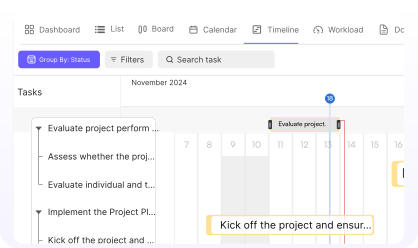
Centralized Control
Keep all your project details in one place for easy access and management.
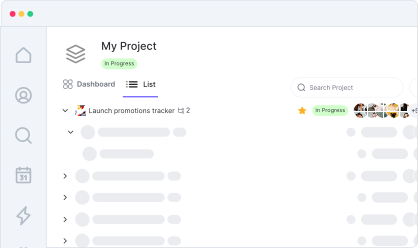
Effortless Setup
Integrating Smartsheet with Kroolo is quick and straightforward, requiring minimal effort.
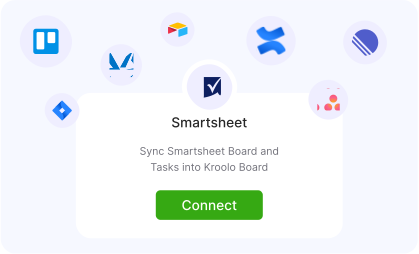
Seamless Task Management
Track all your Smartsheet tasks, due dates, and attachments within Kroolo without losing any critical information.
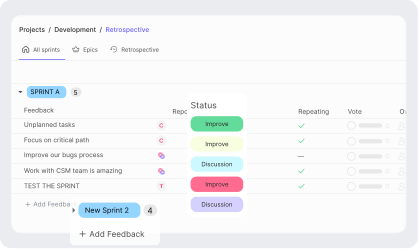
Boost Team Productivity
Focus on getting things done, not switching between tools and managing multiple platforms.
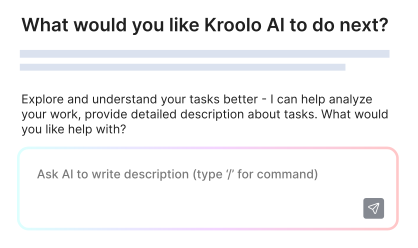

Start your integration now and bring your SmartSheet data into Kroolo for a more efficient project management experience!
You might be interested in

Notion
Manage projects, tasks, and workflows with Notion’s powerful tools.

WhatsApp Business
Connect with customers and team members through WhatsApp Business for efficient communication.

ClickUp
Centralize tasks, projects, and workflows for seamless management and collaboration.

Microsoft Teams
Collaborate, share files, and manage tasks all within Microsoft Teams seamlessly.
Get Kroolo, The best of
AI and Work Management
Start for Free. Upgrade anytime!