
Kroolo now seamlessly integrates with Notion
Unlock a new level of workflow efficiency by connecting Kroolo with Notion. Whether you’re managing projects, capturing meeting notes or building knowledge bases, this integration brings Kroolo’s AI-powered document and project management into your Notion workspace - so you stay focused on what matters, not chasing tools.
Importable Entities
- Flawless document & project management
- Quick importing of documents
- Swift integrations
- Unified working
Integration Access Roles
Steps to Integrate Notion with Kroolo
Connect Notion
Choose Pages or Databases
Select Task Creation Method
Live Link Integration
Manage in Kroolo
For detailed guidance, visit our Help Center
Key Features of Notion - Kroolo Integration
One-click link to Notion pages
Instantly connect a Notion page to Kroolo and let all comments, action items and tasks flow into your Kroolo board.
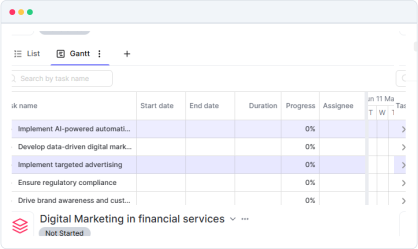
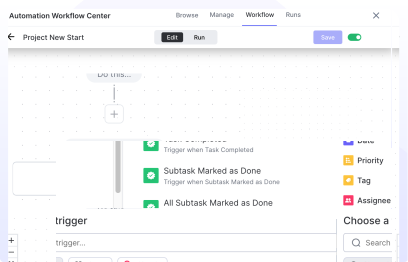
Create & update tasks from Notes
Highlight any text in Notion and convert it into a Kroolo task with assignee, due date and context.
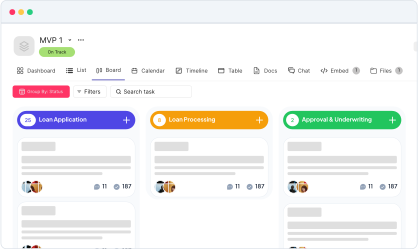
Bi-directional sync
Changes made in Notion (status updates, comments) reflect in Kroolo; and vice-versa.
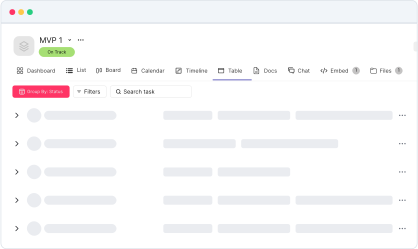
Smart tagging & context auto-fill
Kroolo detects project tags, due dates or people mentioned in Notion and auto-assigns them in Kroolo.
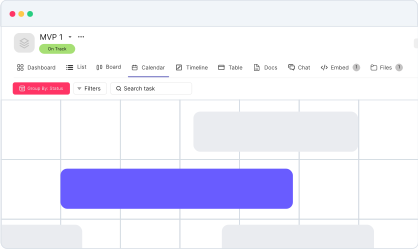
Dashboard view inside Notion
View a mini-Kroolo dashboard embedded inside Notion so you don't have to switch tabs.
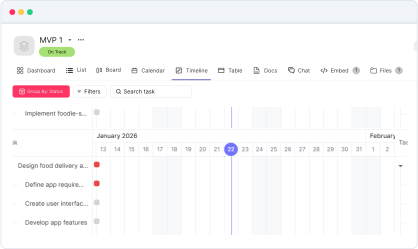
Seamless importing
Flawlessly import your Notion's crucial document & projects at Kroolo for unified work experience.
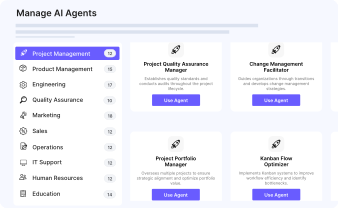
Eliminate tool switching
Work in Notion where you capture ideas; manage tasks in Kroolo without losing context.
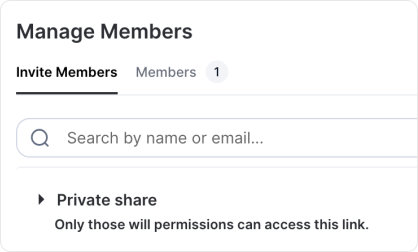
Improve alignment
Everyone sees the same tasks, updates and next steps no matter which app they prefer.
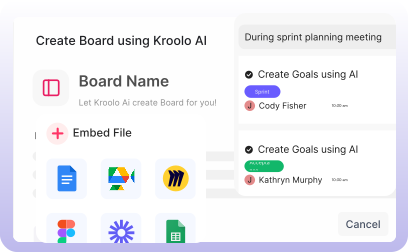
Speed up follow-ups
AI suggestions from Kroolo turn your meeting notes in Notion directly into actionable items.
You might be interested in

Trello
Organize tasks, collaborate with your team, and visually track projects using Trello boards.

Todoist
Stay organized and focused by managing tasks, projects, and priorities with Todoist.

GitLab
Link GitLab commits, branches, and pull requests directly to tasks for streamlined development.

WhatsApp Business
Connect with customers and team members through WhatsApp Business for efficient communication.
Get Kroolo, The best of
AI and Work Management
Start for Free. Upgrade anytime!