
Seamlessly Connect WhatsApp Business with Kroolo
Connect WhatsApp Business with Kroolo to streamline conversations, enhance customer engagement, and boost operational efficiency. Simplify team collaboration with seamless message integration while ensuring quick responses and improved workflow management.
Importable Entities
- Task Updates
- Goals
- Custom automations
Integration Access Roles
Steps to Integrate Whatsapp Business with Kroolo
Log into Kroolo
Choose WhatsApp Business
Connect your WhatsApp Business account
Select Notification Rules
Start Using WhatsApp Business in Kroolo
For detailed guidance, visit our Help Center
Key Features of Whatsapp Business - Kroolo Integration
Task Notifications
Automatically receive WhatsApp messages when tasks are created, updated, or deleted in Kroolo.
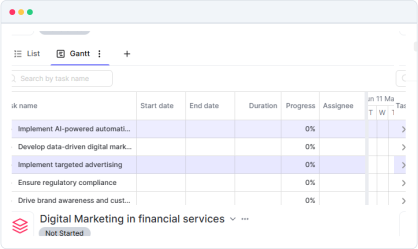
Project & Goal Updates
Get notified about project creation, progress updates, and goal achievements via WhatsApp.
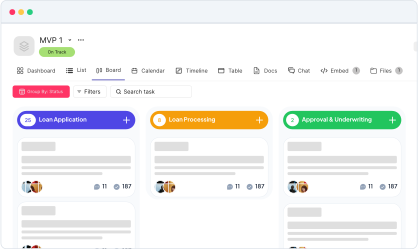
Custom Automation Triggers
Use Kroolo’s automation to send WhatsApp alerts based on specific actions or conditions.
Real-time WhatsApp Alerts
Ensure the timely delivery of critical updates directly to your WhatsApp Business account.
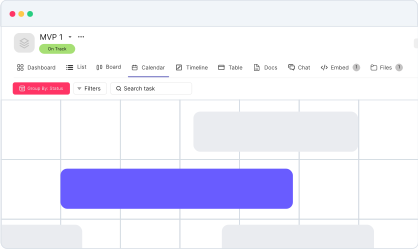

Start your integration now and bring your WhatsApp Business data into Kroolo for a more efficient project management experience!
You might be interested in

Airtable
Manage projects, assign tasks, and track progress to improve team collaboration & efficiency.

Asana
Manage tasks and workflows more effectively by integrating Asana with Kroolo.

OneDrive
Store, share, and collaborate on files securely with OneDrive integration in Kroolo.

Linear
Track and manage software projects with Linear’s streamlined issue tracking & agile workflows.
Get Kroolo, The best of
AI and Work Management
Start for Free. Upgrade anytime!