
Effortlessly Sync Files Between OneDrive and Kroolo
Integrate OneDrive with Kroolo to automatically synchronise files and documents. Keep your project files up-to-date and accessible from both platforms for seamless collaboration.

Importable Entities
- Files and docs
Integration Access Roles
Steps to Integrate One Drive with Kroolo
Log into Kroolo
Choose One Drive
Connect your OneDrive account
Start Using OneDrive in Kroolo
For detailed guidance, visit our Help Center
Key Features of One Drive - Kroolo Integration
Two-way File Synchronisation
Automatically sync new, updated, or deleted files between OneDrive folders and Kroolo workspaces.
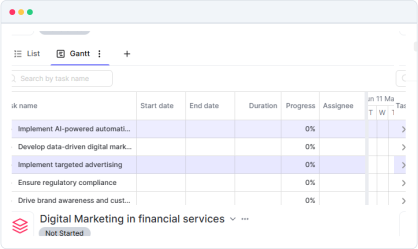
Real-time Document Updates
Ensure files edited in OneDrive or Kroolo stay updated across both platforms without manual effort.
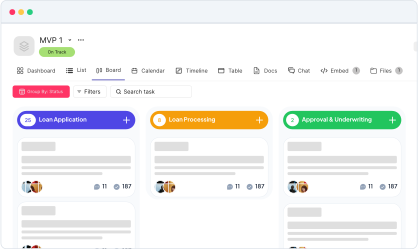
Folder & File Management
Manage folder structures and file organisation seamlessly between OneDrive and Kroolo.
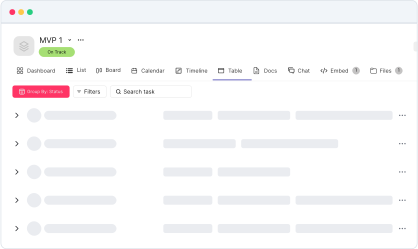

Start your integration now and bring your OneDrive data into Kroolo for store, share, and collaborate on documents seamlessly!
You might be interested in

GitHub
Integrate GitHub to manage code, pull requests, and commits directly within your workflow.

Smartsheet
Manage projects, automate processes, and collaborate with real-time updates.

Intercom
Enhance customer support and engagement with Intercom’s messaging and automation tools.

Microsoft Teams
Collaborate, share files, and manage tasks all within Microsoft Teams seamlessly.
Get Kroolo, The best of
AI and Work Management
Start for Free. Upgrade anytime!