
Effortlessly Connect Intercom with Kroolo
Effortlessly Import Intercom Data into Kroolo. Easily transfer your users, leads, conversations, and messages from Intercom into Kroolo. Boost customer engagement through AI-enhanced automation, centralized messaging, and insightful analytics.
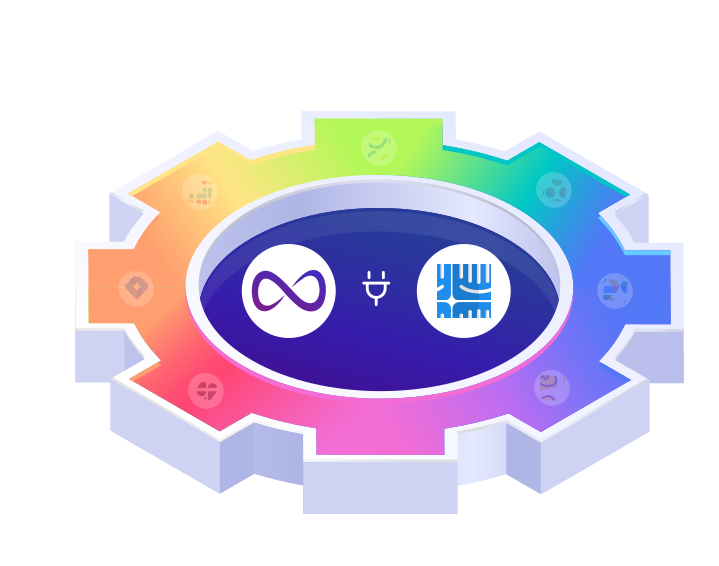
Importable Entities
- Users
- Leads
- Conversations
Integration Access Roles
Steps to Integrate Intercom with Kroolo
Log into Kroolo
Choose Intercom
Connect your intercom account
Select Actions
Start Using Intercom in Kroolo
For detailed guidance, visit our Help Center
Key Features of Intercom - Kroolo Integration
Users & Leads
Import complete user profiles and potential leads to build a rich, unified customer database.
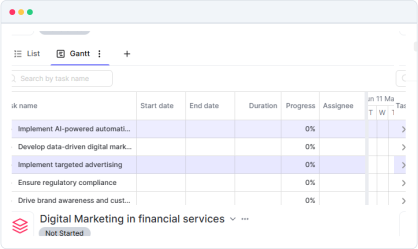
Conversations & Messages
Preserve entire conversation threads, including chat history and message attachments, ensuring full context for support teams.
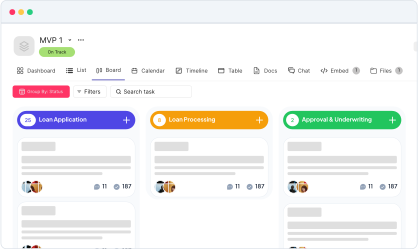
Segments & Tags
Migrate user segments and tags for targeted communication and workflow automation.
Custom Attributes & Events
Sync custom user attributes and tracked events to maintain personalized customer insights.
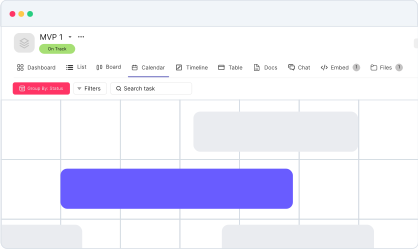
Two-way Synchronization
Maintain real-time updates between Kroolo and Intercom, ensuring all changes reflect on both platforms instantly.
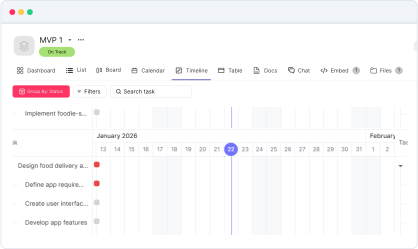
Start your integration now and bring your Intercom data into Kroolo for a more efficient project management experience!
You might be interested in

Fresh Service
Manage customer support tickets, automate workflows, and enhance customer service with FreshService.

Outlook Calendar
Integrate Outlook Calendar with Kroolo for improved scheduling and task management.

GitHub
Integrate GitHub to manage code, pull requests, and commits directly within your workflow.

GitLab
Link GitLab commits, branches, and pull requests directly to tasks for streamlined development.
Get Kroolo, The best of
AI and Work Management
Start for Free. Upgrade anytime!