
Outlook Calendar Integration
Easily synchronize your Outlook Calendar with Kroolo to keep your events and reminders up-to-date. With this integration, your calendar events are accurately reflected in Kroolo, ensuring you never miss a deadline or meeting.
Importable Entities
- Sync events, meetings, and reminders directly from your Outlook Calendar
Integration Access Roles
Steps to Integrate Outlook Calendar with Kroolo
Log into Kroolo
Select Outlook Calendar
Connect Your Outlook Account
Import Your Data
Review and Start Managing
For detailed guidance, visit our Help Center
Key Features of Outlook Calendar - Kroolo Integration
Accurate Event Synchronization
Keep all your events and reminders updated in Kroolo.
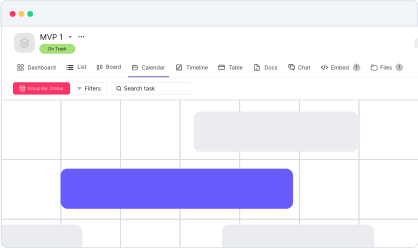
Time Management Simplified
View and manage all your schedules in one place.
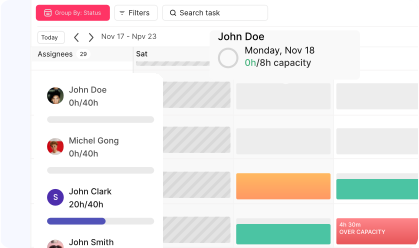
Seamless Setup
Integrate your Outlook Calendar with Kroolo in a few simple steps.
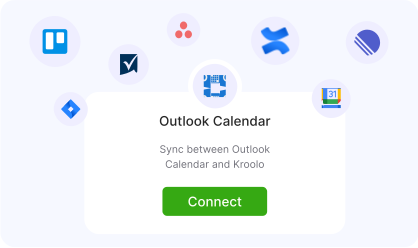
Centralized Control
Manage your tasks and schedules without switching between tools.
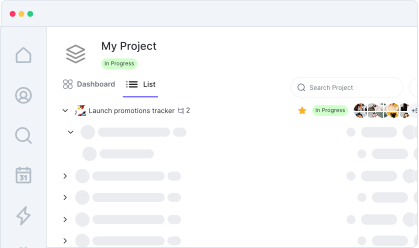
Enhanced Productivity
Stay on top of deadlines and meetings effortlessly.
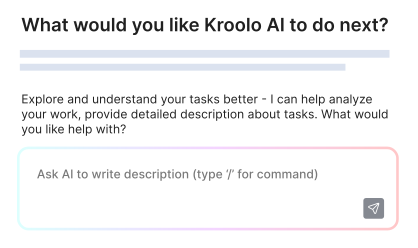
Start your integration now and bring your Outlook Calendar data into Kroolo for a more efficient project management experience!
You might be interested in

OneDrive
Store, share, and collaborate on files securely with OneDrive integration in Kroolo.

Todoist
Stay organized and focused by managing tasks, projects, and priorities with Todoist.

Trello
Organize tasks, collaborate with your team, and visually track projects using Trello boards.

Salesforce
Integrate Salesforce to streamline customer management, sales, and team collaboration processes.
Get Kroolo, The best of
AI and Work Management
Start for Free. Upgrade anytime!