
Effortlessly Connect FreshService with Kroolo
Smoothly Transfer Freshservice Data into Kroolo Migrate tickets, users, assets, and service requests from Freshservice to Kroolo effortlessly. Streamline your IT service processes with AI-powered workflows, robust reporting, and asset management.
Importable Entities
- Tickets
- Users
- Service requests
Integration Access Roles
Steps to Integrate FreshService with Kroolo
Log into Kroolo
Choose FreshService
Connect Your FreshService Account
Select Actions
Start Using FreshService in Kroolo
For detailed guidance, visit our Help Center
Key Features of FreshService - Kroolo Integration
Tickets & Service Requests
Synchronize all open and closed tickets, service requests, and incidents with complete history and status updates.
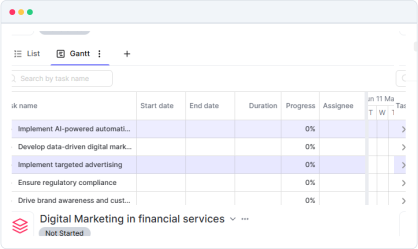
Users & Technicians
Import detailed user profiles along with technician or agent information to manage roles and responsibilities.
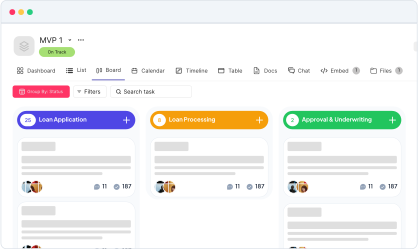
Assets & Configuration Items (CIs)
Migrate asset inventories and configuration items for accurate tracking of IT resources.
Knowledge Base Articles
Transfer knowledge articles and FAQs to maintain a centralized self-service portal.
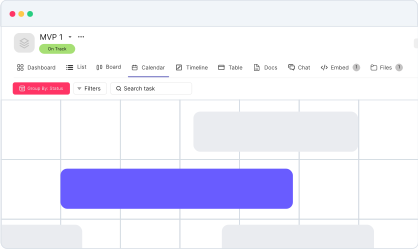
Two-way Data Flow
Keep all data synchronized in real-time between Kroolo and Freshservice, supporting continuous ITSM operations.
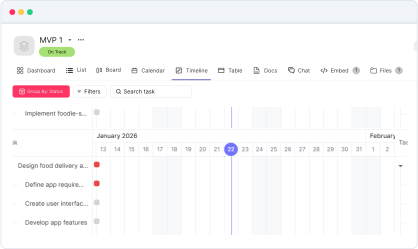

Connect FreshService-Freshworks’ IT service management platform-with Kroolo to centralize your workflows
You might be interested in

Google Docs
Create, share, and collaborate on documents seamlessly with Google Docs integration.

Smartsheet
Manage projects, automate processes, and collaborate with real-time updates.

Google Calendar
Sync your Google Calendar with Kroolo to track project deadlines and meetings.

Intercom
Enhance customer support and engagement with Intercom’s messaging and automation tools.
Get Kroolo, The best of
AI and Work Management
Start for Free. Upgrade anytime!