
Unlock Google Docs Potential with Kroolo
Say goodbye to disconnected docs and forgotten tasks. With the new integration between Kroolo and Google Docs, any document - meeting summary, spec sheet, brainstorm, or project plan - can instantly become an actionable workflow. Combine the familiarity of Google Docs with Kroolo’s automation engine for transparent, efficient delivery.
Importable Entities
- Simplified integrations
- Flawless importing of files
- AI-driven notification
- Hassle-free & unified working
Integration Access Roles
Steps to Integrate Google Docs with Kroolo
Login to Your Kroolo Account
Go to Integrations in Settings
Search and Connect Google Drive
Fetch Your Google Docs
Navigate to Docs Section
Import from Google Drive
For detailed guidance, visit our Help Center
Key Features of Google Docs - Kroolo Integration
One-Click Google Drive Connection
Seamlessly link your Google Drive to Kroolo with a single click - no complex setup or coding required.
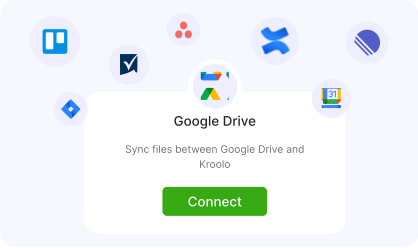
Auto-Sync Documents and Updates
Keep all your Google Docs synced in real time. Any edits, comments, or new files reflect instantly in Kroolo.
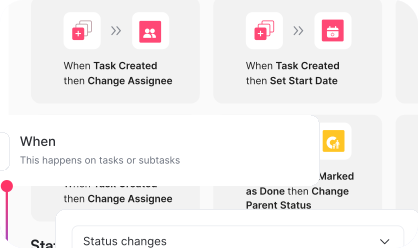
Convert Text to Tasks Instantly
Highlight any text in Google Docs and turn it into a Kroolo task with assignee, due date, and project details.
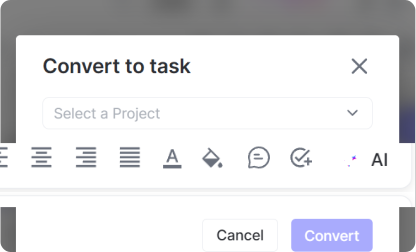
AI-Powered Task Extraction
Kroolo's AI scans your document for key phrases like "to-do" or "follow up" and auto-creates actionable tasks.
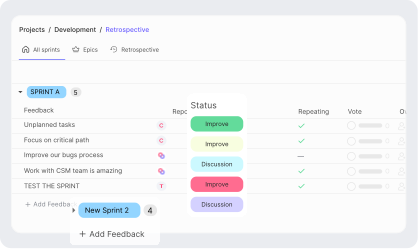
Real-Time Collaboration Tracking
Monitor who's editing, commenting, or assigning tasks in your linked docs directly through Kroolo's dashboard.
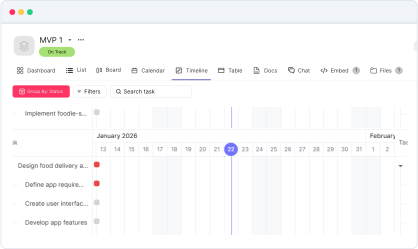
Embedded Task View in Docs
View and manage linked Kroolo tasks within your Google Docs through an embedded sidebar - no need to switch tabs.
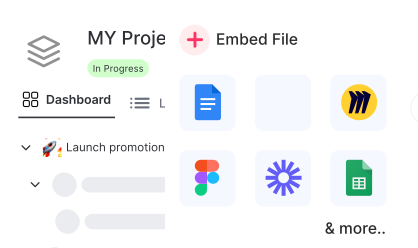
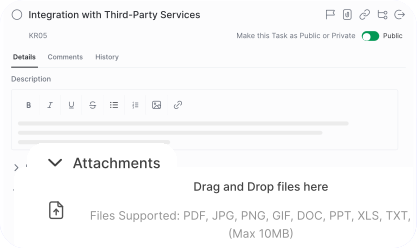
Centralized File & Task Management
Access, organize, and manage all your Drive files and related Kroolo tasks from one unified workspace.
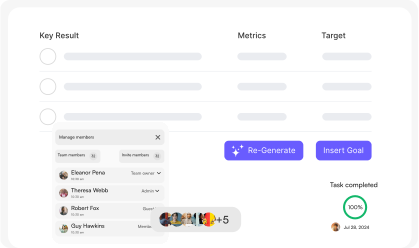
Secure OAuth Integration
Connect with peace of mind - Kroolo uses Google's secure OAuth protocol to ensure data privacy and safe authorization.
You might be interested in

Bitbucket
Collaborate on code, manage repositories, and deploy directly within Bitbucket for streamlined development.

Microsoft Teams
Collaborate, share files, and manage tasks all within Microsoft Teams seamlessly.

Notion
Manage projects, tasks, and workflows with Notion’s powerful tools.

ClickUp
Centralize tasks, projects, and workflows for seamless management and collaboration.
Get Kroolo, The best of
AI and Work Management
Start for Free. Upgrade anytime!