
Effortlessly Track Issues and Sync Tasks with Bitbucket
With Kroolo’s Bitbucket integration, you can streamline your development workflow by creating and syncing tasks directly from Bitbucket into Kroolo. Manage your repositories, track issues efficiently, and align your teams by centralizing your task management in Kroolo.
Importable Entities
- Monitor issues in your Bitbucket repositories and sync them into Kroolo
- Generate tasks from your Bitbucket issues directly in Kroolo
Integration Access Roles
Steps to Integrate Bitbucket with Kroolo
Log into Kroolo
Select Bitbucket
Connect Your Bitbucket Account
Enable Task Syncing
Review and Get Started
For detailed guidance, visit our Help Center
Key Features of Bitbucket - Kroolo Integration
Enhanced Issue Tracking
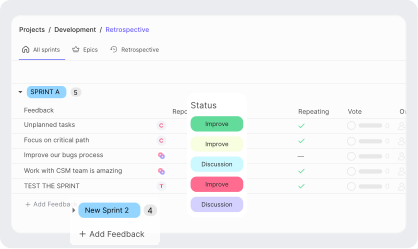
Track and sync Bitbucket issues in Kroolo for seamless task management.
Centralized Control
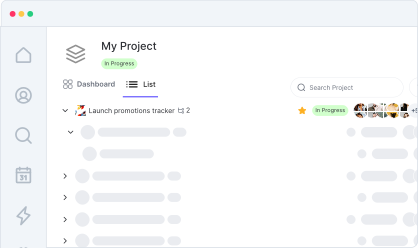
Manage repositories and tasks in one place without switching tools.
Simplified Setup
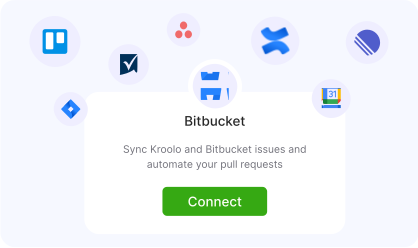
Easily connect Bitbucket to Kroolo and get started in minutes.
Improved Collaboration
Ensure your development and project teams are aligned with synced tasks.
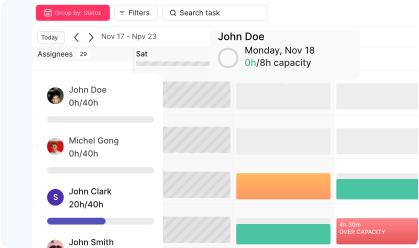
Increased Productivity:
Focus on coding and execution while Kroolo handles task syncing and management.
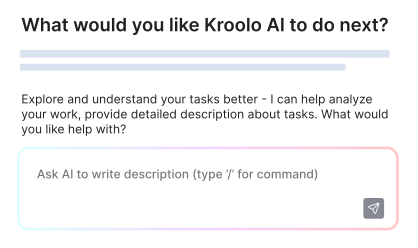
Start your integration now and bring your Bitbucket data into Kroolo for a more efficient project management experience!
You might be interested in

Bitbucket
Collaborate on code, manage repositories, and deploy directly within Bitbucket for streamlined development.

Trello
Organize tasks, collaborate with your team, and visually track projects using Trello boards.

GitLab
Link GitLab commits, branches, and pull requests directly to tasks for streamlined development.

WhatsApp Business
Connect with customers and team members through WhatsApp Business for efficient communication.
Get Kroolo, The best of
AI and Work Management
Start for Free. Upgrade anytime!