
Effortlessly Import Projects from Jira to Kroolo
Enhance project management by leveraging AI-driven insights, automation, and real-time reporting to optimize workflows and team collaboration.
Importable Entities
- Import and manage sprint data with enhanced synchronization
- Ensure accurate migration of epics for seamless tracking and planning
- Sync Jira issues, tasks, and sprints with Kroolo
Integration Access Roles
Steps to Integrate Jira with Kroolo
Log in to Kroolo
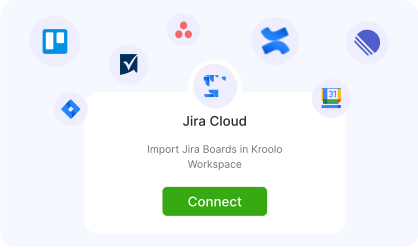
Select Jira
Connect Your Jira Account
Choose What to Sync
Import and Review
For detailed guidance, visit our Help Center
Key Features of Jira - Kroolo Integration
Two-Way Sync
Sync Jira issues, tasks, and sprints with Kroolo.
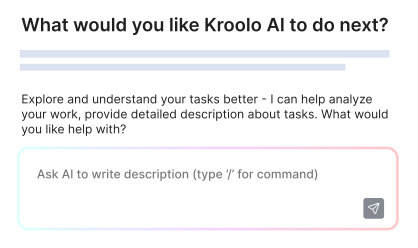
AI-Powered Insights
Predict delays, optimize workflows, and improve decision-making.
Automation
Auto-assign tasks, prioritize issues, and streamline approvals.
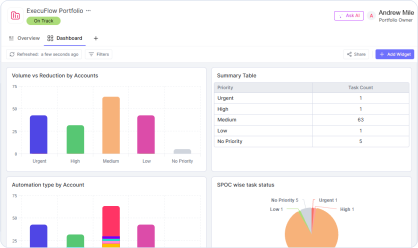
Real-Time Dashboards
Get advanced project analytics and performance tracking.
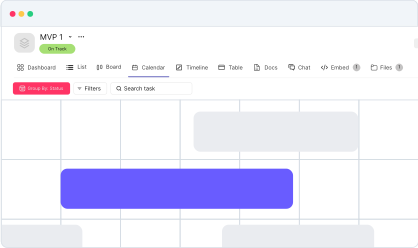
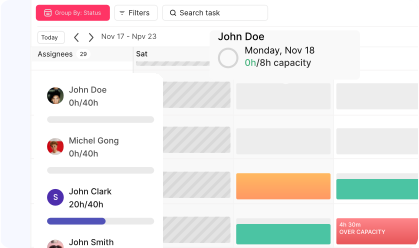
Time & Resource Management
Optimize workload distribution and prevent bottlenecks.

Start your integration now and bring your Jira data into Kroolo for a more efficient project management experience!
You might be interested in

Jira
Manage, track, and release software with Jira’s agile project management tools.

Todoist
Stay organized and focused by managing tasks, projects, and priorities with Todoist.

Gmail
Integrate Gmail with Kroolo to manage communication within your projects seamlessly.

Linear
Track and manage software projects with Linear’s streamlined issue tracking & agile workflows.
Get Kroolo, The best of
AI and Work Management
Start for Free. Upgrade anytime!