
Effortlessly Connect SharePoint with Kroolo
Integrate SharePoint with Kroolo to manage documents, collaborate across teams, and streamline file access. Automatically sync files and updates between SharePoint libraries and Kroolo workspaces to maintain a centralised source of truth.

Importable Entities
- Sync docs
- File Updates on tasks
- File Updates on goals
Integration Access Roles
Steps to Integrate SharePoint with Kroolo
Log into Kroolo
Choose SharePoint
Connect Your SharePoint point Account
Select Notification Rules
Start Using SharePoint in Kroolo
For detailed guidance, visit our Help Center
Key Features of SharePoint - Kroolo Integration
Two-way File Synchronisation
Automatically sync new, updated, or deleted files between OneDrive folders and Kroolo workspaces.
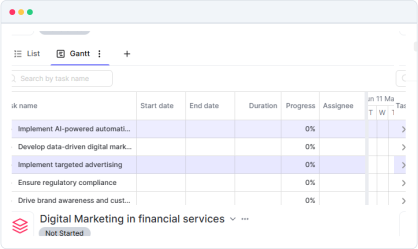
Real-time Document Updates
Ensure files edited in OneDrive or Kroolo stay updated across both platforms without manual effort.

Folder & File Management
Manage folder structures and file organisation seamlessly between OneDrive and Kroolo.

Connect SharePoint-Microsoft’s platform for document management and team collaboration-with Kroolo to centralize your workflows
You might be interested in

ClickUp
Centralize tasks, projects, and workflows for seamless management and collaboration.

Asana
Manage tasks and workflows more effectively by integrating Asana with Kroolo.

Airtable
Manage projects, assign tasks, and track progress to improve team collaboration & efficiency.

Smartsheet
Manage projects, automate processes, and collaborate with real-time updates.
Get Kroolo, The best of
AI and Work Management
Start for Free. Upgrade anytime!