
Effortlessly Connect Intercom with Kroolo
Transfer tasks, request categories, incidents, attachments, comments, and SLAs into Kroolo, ensuring a smooth transition. Elevate service management with AI-powered automation, dynamic reporting, and streamlined workflow optimization.

Importable Entities
- Tasks
- Request categories
- Attachments
- Comments
- Service level agreements (SLAs)
Integration Access Roles
Steps to Integrate Jira Service Management with Kroolo
Log into Kroolo
Choose Jira Service Management
Connect Your JSM Account
Select Actions
Start Using JSM in Kroolo
For detailed guidance, visit our Help Center
Key Features of Jira Service Management - Kroolo Integration
Task & Request Type Sync
Accurately import and manage tasks, request types, incidents, and service requests for seamless operations.
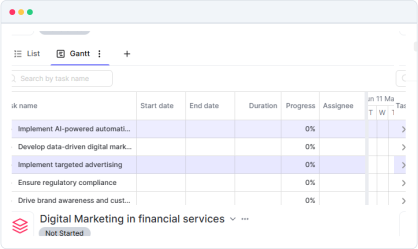
Attachment & Comment Migration
Preserve all attachments and comments to maintain full context and history.
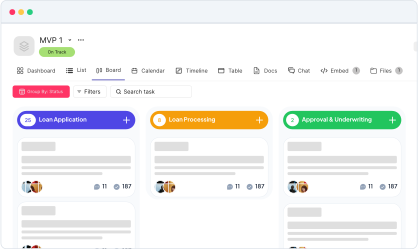
Two way Synchronization
Ensure two way sync between kroolo & JSM.
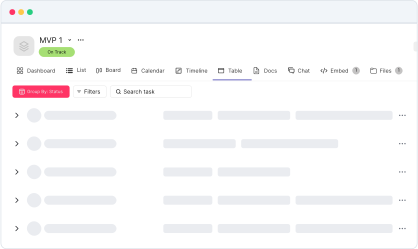

Start your integration now and bring your JSM data into Kroolo for a more efficient project management experience!
You might be interested in

Jira
Manage, track, and release software with Jira’s agile project management tools.

Google Docs
Create, share, and collaborate on documents seamlessly with Google Docs integration.

Bitbucket
Collaborate on code, manage repositories, and deploy directly within Bitbucket for streamlined development.

ClickUp
Centralize tasks, projects, and workflows for seamless management and collaboration.
Get Kroolo, The best of
AI and Work Management
Start for Free. Upgrade anytime!