
Wrike Integration with Kroolo
Unite your project management workflow by integrating Wrike with Kroolo. Experience unified project execution with synchronized tasks, real-time visibility, and streamlined team collaboration across both platforms.
Importable Entities
- Seamless project management
- Detailed insights on outcomes & improvement areas
- One-click integration-no hassle, no extra steps
- Highly efficient & on-time visibility to dashboards
Integration Access Roles
Steps to Integrate Wrike with Kroolo
Log into Kroolo
Select Wrike
Connect With Email ID
Wrike Connected
Wrike + Kroolo Dashboard
For detailed guidance, visit our Help Center
Key Features of Wrike - Kroolo Integration
Effortless Task Synchronization
Automatically sync all your Wrike tasks with Kroolo in real-time. Create, update, and manage tasks from either platform while maintaining perfect synchronization across your entire project ecosystem.
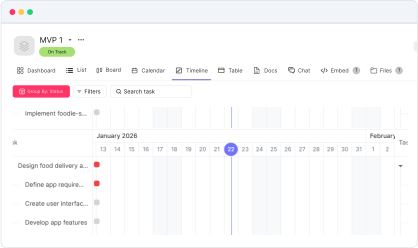
Real-Time Project Visibility
Get instant visibility into project progress, task status updates, and team performance. Monitor your Wrike projects directly within Kroolo's unified dashboard for complete project oversight.
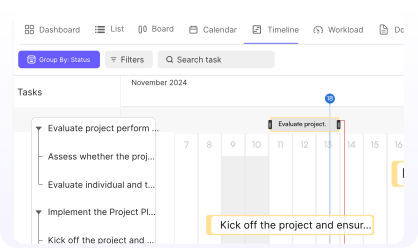
Streamlined Project Execution
Execute projects seamlessly with unified workflows. Bridge the gap between Wrike's robust project management capabilities and Kroolo's comprehensive productivity suite.
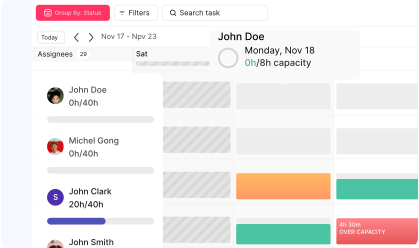
Automated Status Updates
Receive automatic notifications in Kroolo when Wrike tasks change status, priorities are adjusted, or deadlines are modified, keeping your entire team aligned.
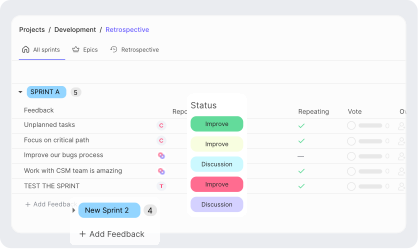
Unified Task Management
Manage Wrike tasks alongside your other Kroolo projects without switching between platforms. Access all your work from one centralized location.
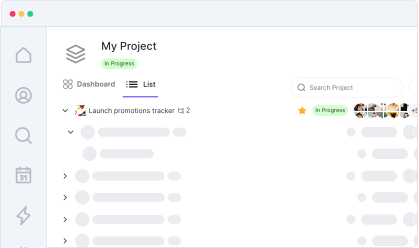
Cross-Platform Collaboration
Enable team members to collaborate effectively whether they're working in Wrike or Kroolo, with changes reflecting instantly across both platforms.
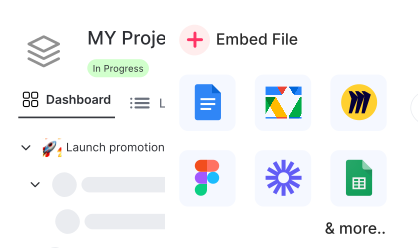
Project Timeline Synchronization
Keep project timelines perfectly aligned between Wrike and Kroolo, ensuring accurate planning and resource allocation across all your projects.
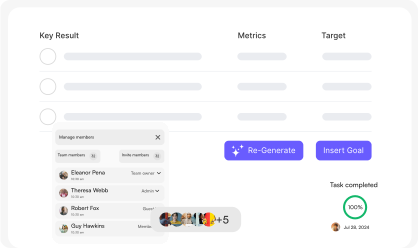
Custom Field Integration
Sync custom fields and project metadata between platforms, maintaining data consistency and enabling comprehensive project tracking.
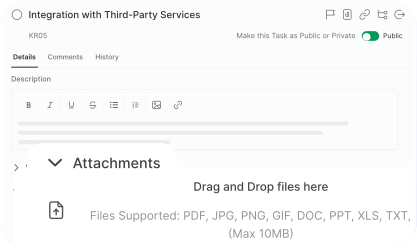
Progress Tracking
Monitor project milestones, completion rates, and team productivity with combined insights from both Wrike and Kroolo analytics.
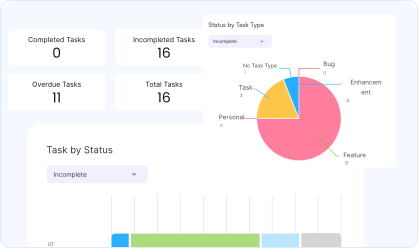

Start your integration now and bring your Wrike data into Kroolo for a more efficient project management experience!
You might be interested in

Slack
Integrate Slack to streamline communication, manage tasks, and receive updates in real-time.

Jira Service Management
Manage service requests, incidents, and changes with Jira Service Management integration.

Jira
Manage, track, and release software with Jira’s agile project management tools.

Google Calendar
Sync your Google Calendar with Kroolo to track project deadlines and meetings.
Get Kroolo, The best of
AI and Work Management
Start for Free. Upgrade anytime!